1
/
of
9
iCasso
iCasso Desk Mat, Extended Gaming Mouse Pad (35.4x15.7 in), & Compatible with MacBook Air 13 Inch Case 2020 2019 2018 Release A2337 M1/ A1932/A2179 with Retina Display Touch ID-Molandi
iCasso Desk Mat, Extended Gaming Mouse Pad (35.4x15.7 in), & Compatible with MacBook Air 13 Inch Case 2020 2019 2018 Release A2337 M1/ A1932/A2179 with Retina Display Touch ID-Molandi
Regular price
$0.00 USD
Regular price
Sale price
$0.00 USD
Shipping calculated at checkout.
Quantity
Couldn't load pickup availability
Brand: iCasso
Features:
- 【 Extended Large Mouse Pad Size 】 Large Desk mat's measure: 35.4 x 15.7 inches. The desk pad is large enough to have a mouse, gaming keyboard, and other desk items while maintaining protecting your desk all the time. Just immerse into your work or games without worrying about the annoying mouse pad movement.
- 【 Non-slip Rubber Base 】With rubberized non-slip grip and texture, letting you use this mouse pad on any surface. While sturdy, it's flexible enough to be rolled up for easy transport, to move around so you can work or game wherever you want. The rubber base keeps the entire surface in place preventing the cloth from bunching up to maintain smooth mouse movement across the entire desktop.
- 【 Ultra-smooth Surface 】With Comfortable Lycra Surface and Breathable Material to the pads. Making your mice glide on its surface effortlessly, which can provide optimum speed and accurate control during your working or gaming.
- 【✿NOTE✿ 】Case ONLY Compatible with 2022 2021 2020 2019 2018 Release MacBook Air 13 inch with Retina Display and Touch ID (Model : A2237 M1/A2179/ A1932 ). Not compatible with other MacBook model. Please kindly check model number ""A1xxx"" on the back of the MacBook before your purchase.
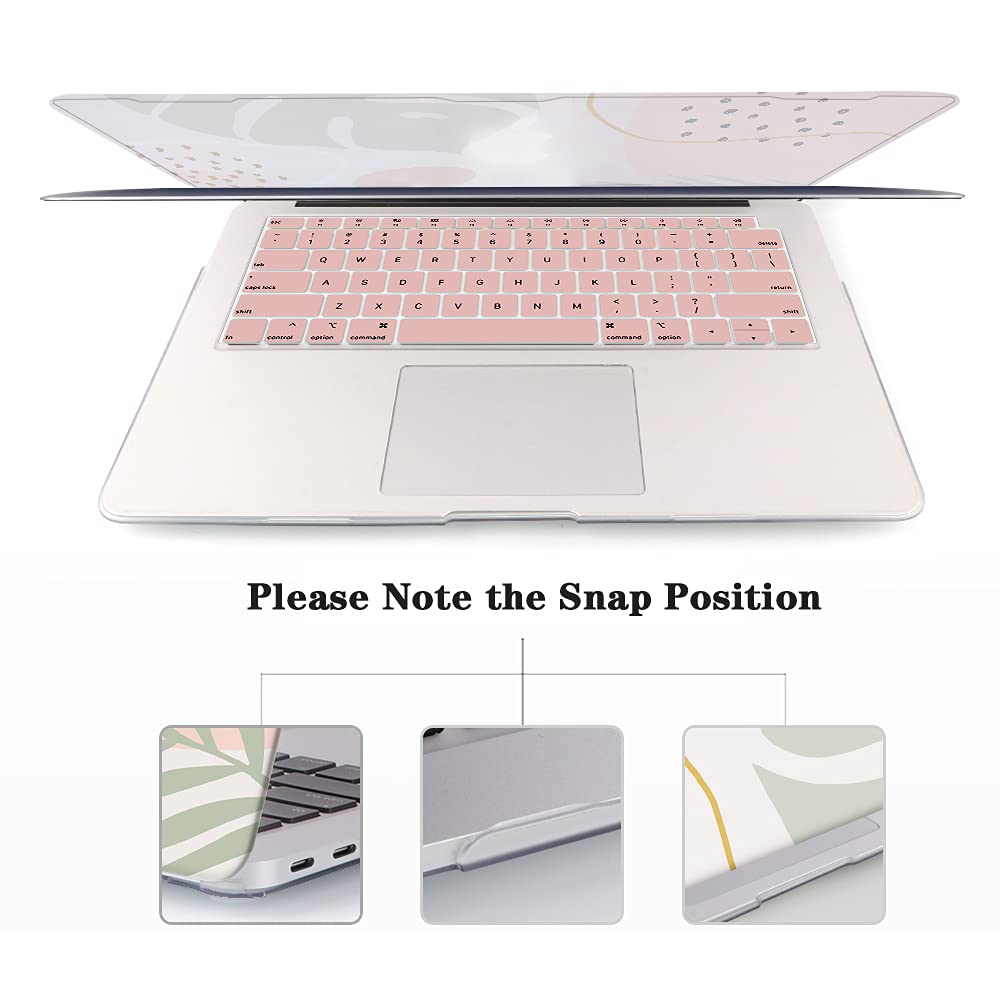
- 【Fully Access & Fully Vented 】Without sacrificing access to ports, lights and buttons. Plug your charger, cable or headset without removing the case. Fully vented holes that will ensure your devices have good heat dissipation. NO CUT OUT design.
Details: How to install and remove Macbook air case
Installation:
Firstly,Clear your Macbook to remove the surface dust before installing the macbook air M1 case.
Secondly:Place your Macbook into bottom case and press all tabs until secure.
Thirdly:Install the top case with Macbook half open and the Apple logo facing you,and snap on all tabs until secure.
Remove:
Share